Find Your Ring Size

Find Your Ring Size
Easy at-home methods — credit card screen sizer, printable guide, or a free sizer by mail.
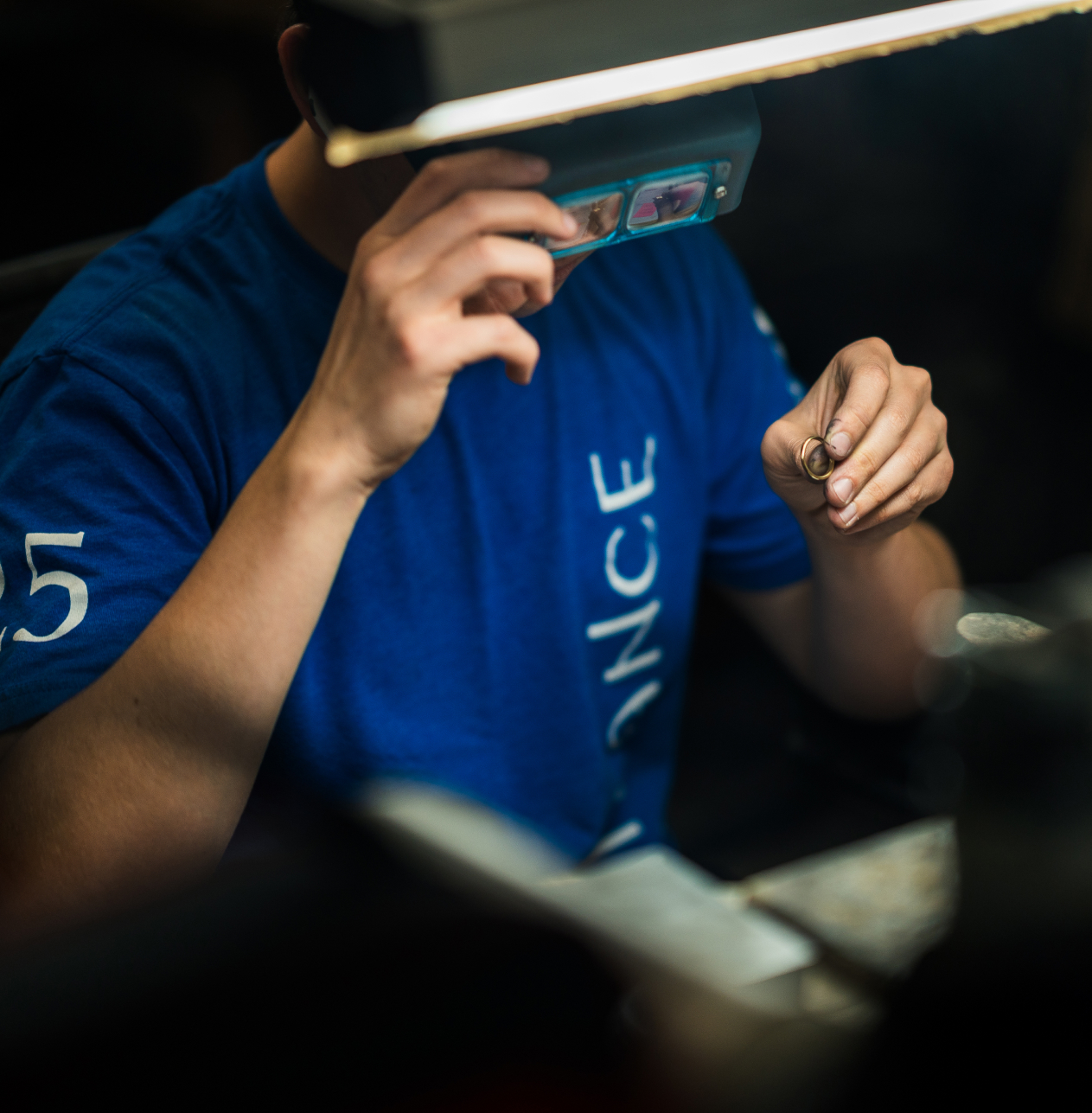
THREE WAYS
Pick a measuring method
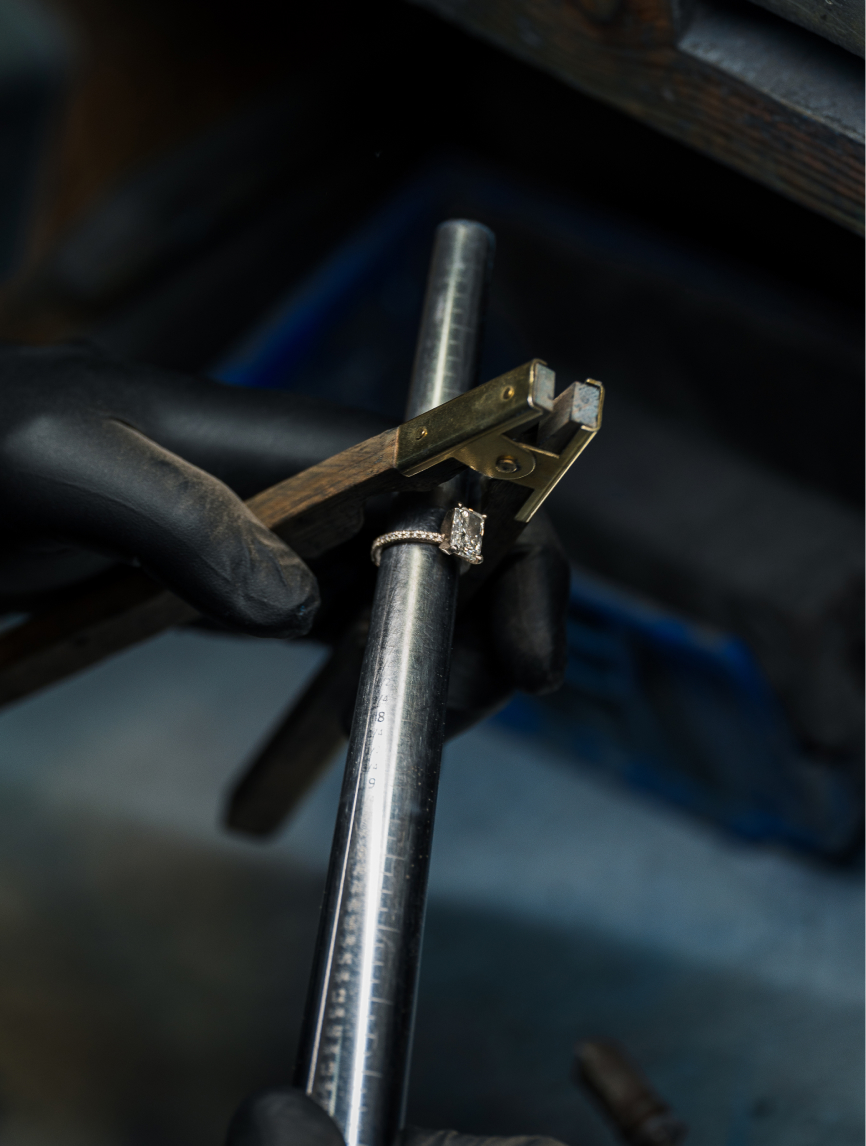
Chart, screen, or printable guide — all synced to the sizes we use in the workshop.
ON-SCREEN SIZER
Measure with a credit card
Calibrate your screen with any bank or ID card, then match a ring you already own. Set browser zoom to 100% first.
1 Match your screen to a card
Hold a card flat against the screen and adjust until the outline matches its edges exactly.
2 Measure your ring
Lay your ring flat on the screen. Resize until the blue line sits just inside the band — you should see a thin blue ring all the way around. If the metal covers the blue line, the circle is too big; shrink it until the line peeks out.
Align to the blue line — not the soft fill inside, and not the outside of your ring.
On-screen sizing is accurate to about half a size. Results match our ring size conversion chart. For a final answer, have your finger measured or use a physical ring sizer.

How to use our ring size guide
If you already have a ring that fits, print our free guide and match it to the closest circle. Between two sizes? Choose the larger one.
- Set printer scaling to “None” (100%)
- Match your ring to the closest circle
- If you’re between sizes, go larger
FREE BY MAIL
Get your free ring sizer
Prefer a physical tool? Request a complimentary ring sizer and we’ll send one your way.

SIZING TIPS
Measure once.Wear forever.
A few quiet habits that make at-home sizing more reliable — before you order, and long after.
- Evening fitFingers are typically larger later in the day. Measure then for the most comfortable everyday fit.
- Room temperatureCold shrinks, heat expands. Size at a normal room temperature for a truer reading.
- Knuckles & band widthLarge knuckles or wider bands may need a half size up so the ring slides on and still sits secure.
They Said Yes. Thousands of Times.
Real rings. Real customers. No staging.